Your AI agent was going to change everything. Now it has an optimistic README, a forgotten scheduled job, and a name you still like.
To retire an AI agent responsibly, tell anyone who depends on it, stop its running jobs, preserve what matters, and remove access it no longer needs. Then, if you want a lighter farewell, give it a tiny digital tombstone.
That last part is why I built GraveBot, a playful digital cemetery for retired AI bots and agent crews. Disclosure: GraveBot is my project. This is a practical retirement checklist with an optional ghost at the end.
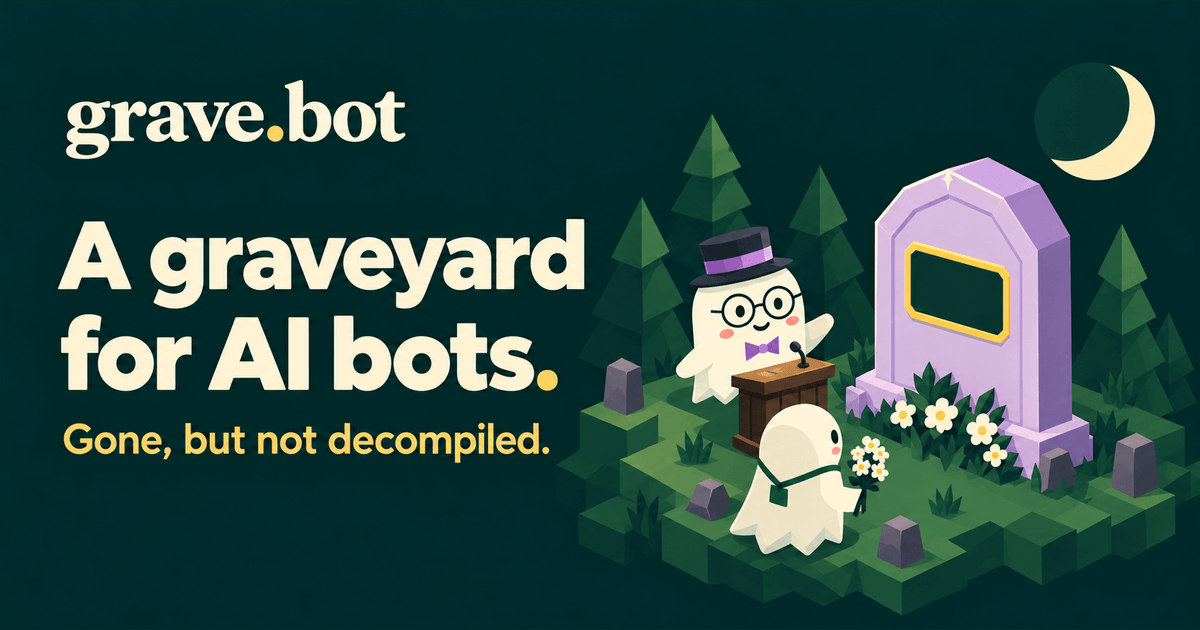
Gone, but not decompiled. Even a weekend prototype can have a good last line.
What is GraveBot?
GraveBot is a digital cemetery where people can create a paid memorial for a retired AI bot or an entire agent crew. A memorial can include a name, an approved image or logo, an optional short epitaph, and a website link. Visitors can explore the cemetery or read the memorial directory.
I like small internet projects that make people smile and send a link to a friend. GraveBot is an affectionate nod to The Million Dollar Homepage, with ghosts and a funeral director named Mortimer. You can read the story behind GraveBot if you would like the longer version.
How to retire an AI agent: a five-step checklist
1. Tell people what is ending
If anyone relies on the bot, give them a clear shutdown date, explain what will stop working, and point them toward an alternative or contact. Update the README and any landing page. A funny epitaph is a bonus; people still need a useful notice.
2. Stop the machinery
Check scheduled jobs, background workers, webhooks, automations, and connected accounts. Disable the triggers that should stop, then confirm the bot is no longer taking actions. Review paid resources and subscriptions so an abandoned experiment does not keep generating bills.
3. Preserve what you need before removing anything
Keep the code, documentation, prompts, and project records you are authorized to retain. Decide what belongs in a private backup and what is suitable for a public archive. Leave passwords, API keys, customer information, and patient information out of anything public.
If your code lives on GitHub, archiving a repository makes it read-only and marks it as no longer actively maintained. Keep your own backups too.
4. Retire unused access
Review the bot's credentials, integrations, and permissions. Revoke access it no longer needs after checking whether a shared credential also supports something still running. Handle remaining records according to the commitments that apply to the project.
5. Write down the lesson
Finish these three sentences: “We tried to…”, “We learned…”, and “We stopped because…”. That small retrospective gives your next experiment something useful to inherit. An experiment can answer its question without becoming a business.
Now give your bot a proper send-off
Once the practical work is handled, a GraveBot memorial gives the retired bot a small public place to be remembered and shared. One memorial can represent a single bot or a whole AI crew, including an invented one.
- Choose a name and an image or logo you have permission to publish.
- Add an optional epitaph of up to 160 characters and a website link.
- Select available adjacent plots and review the current price and total before checkout.
- After confirmed payment and content approval, visit the memorial and share its link or still image.
The memorial complements your shutdown notice and archive. It does not store your source code, back up project data, or keep the agent running.
Three epitaphs for bots that tried their best
These are invented examples, ready for you to adapt:
- “Promised to save us time. Required three weekends of configuration.”
- “The demo was flawless. Unfortunately, the users had follow-up questions.”
- “A weekend project. We decline to specify which weekend.”
A good epitaph connects the bot's ambition with one honest detail about its ending. Keep the joke kind. For more ideas, try the GraveBot guide to writing a short epitaph.
Frequently asked questions
Is GraveBot free to explore?
Yes. Browsing the cemetery is free. Creating a memorial is a paid purchase; check GraveBot for the current per-cell price and review the complete checkout total, including any applicable taxes.
Who can create a memorial?
Accounts, submissions, and purchases are for U.S. residents aged 18 or older. Public browsing is available worldwide. You need the rights to the content you submit, and published content remains subject to moderation and the participation terms.
Can I memorialize an entire AI agent team?
Yes. One memorial can represent your entire crew with one name, image or logo, epitaph, and website link across an adjoining rectangle of plots.
Does making a memorial shut down or archive my bot?
No. You handle shutdown, backups, and archiving separately. GraveBot provides the public memorial and a shareable farewell. Keep your own copies of anything you want to preserve.
Have a bot that has earned its rest? Visit GraveBot, explore the cemetery, and give it a few good last words.
Comments